Quick Start Guide
Get up and running in 5 minutes
Create Your First Website
-
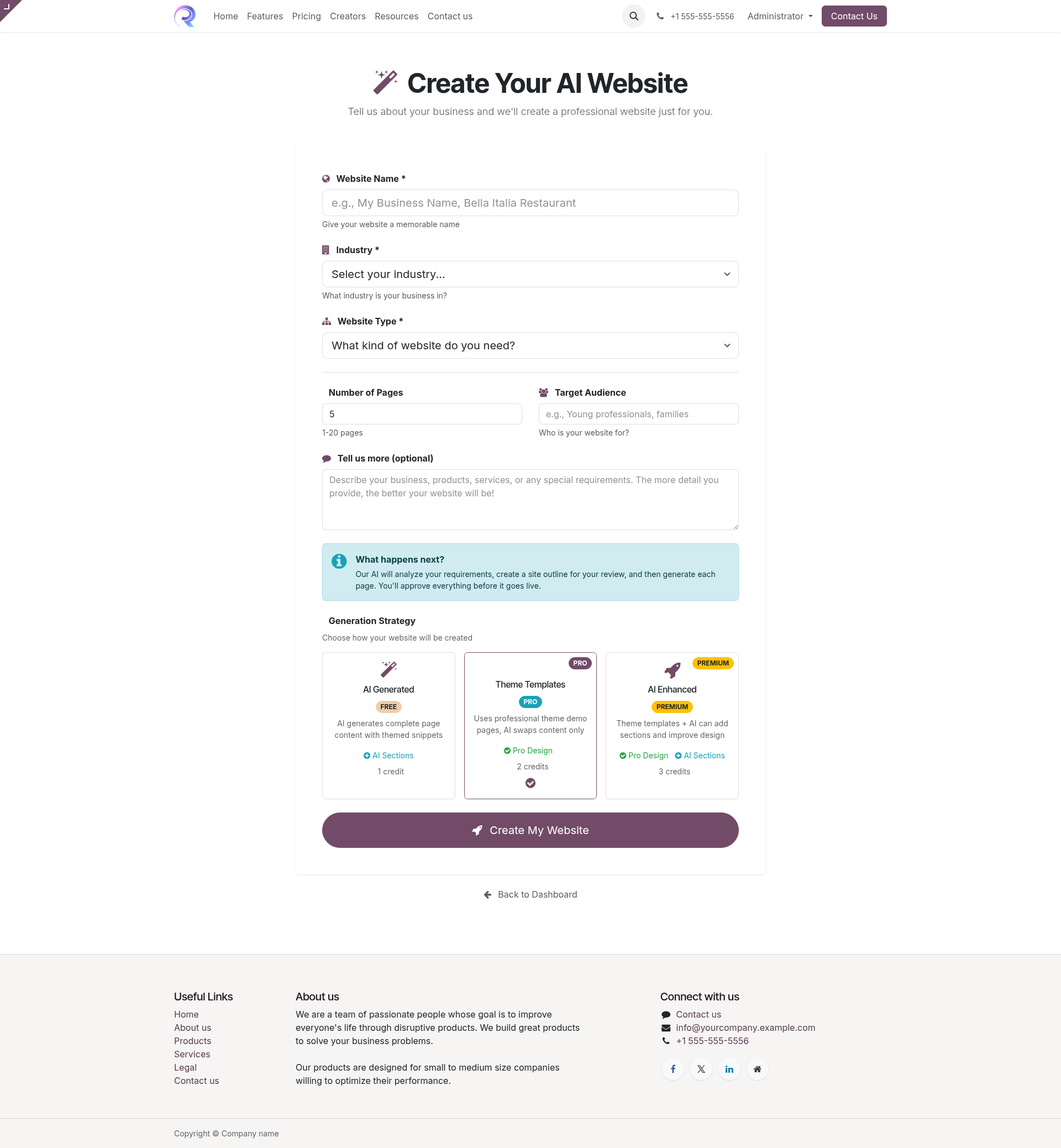
Go to the creation page
/my/create-website -
Fill in your business details:
- Website name (e.g., "Bella Italia Restaurant")
- Select your industry
- Choose website type/purpose
- Number of pages (5 recommended)
- Brief description of your business
-
Click "Create My Website"
You'll be redirected to your project dashboard -
Monitor and review
Watch AI generate content, review and approve each page
Your Project Dashboard
After creating a project, you can monitor its progress:
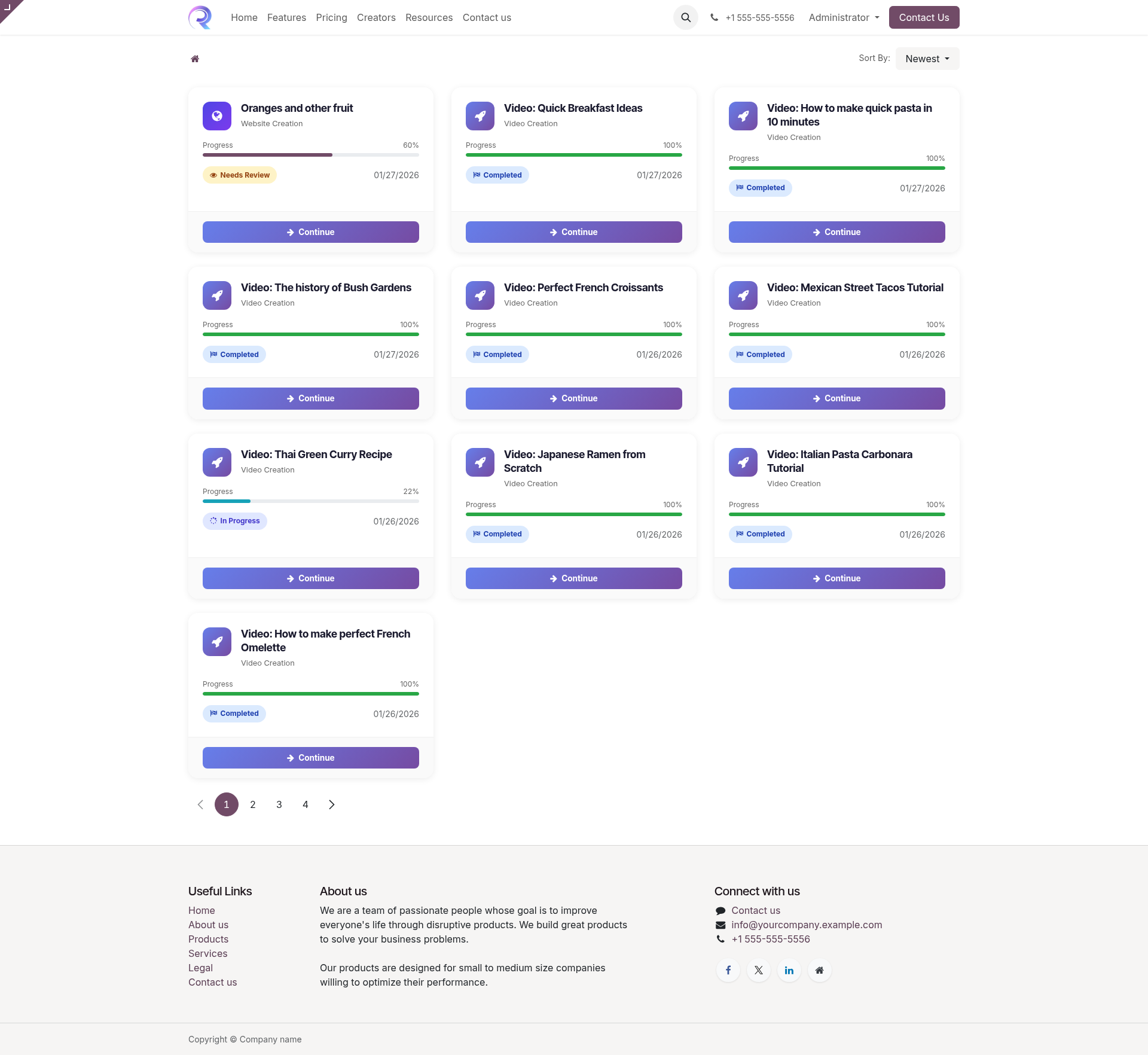
Project States
- Pending Waiting to start
- In Progress AI is working
- Review Needs your approval
- Complete All done!